sharing your internet without sharing your network
What joining your Wi-Fi really means
Handing someone your Wi-Fi password feels like a small courtesy, on a par with offering them a cup of tea. Technically, it is closer to giving them a key to the building. The moment a device joins your network it is handed an address automatically and takes its place inside, alongside your laptops, your printer, your cameras, your files and whatever smart kit has accumulated over the years.
That matters because most home and small-office networks are flat: every device on them can see and talk to every other device. There is no inner door. So when you let a device in, you are not really trusting the person carrying it. You are trusting the device itself, its patch history, its apps, and anything unpleasant it may have picked up on some other network last week. The visitor does not have to be malicious for their laptop to be a problem.
What a guest network actually does
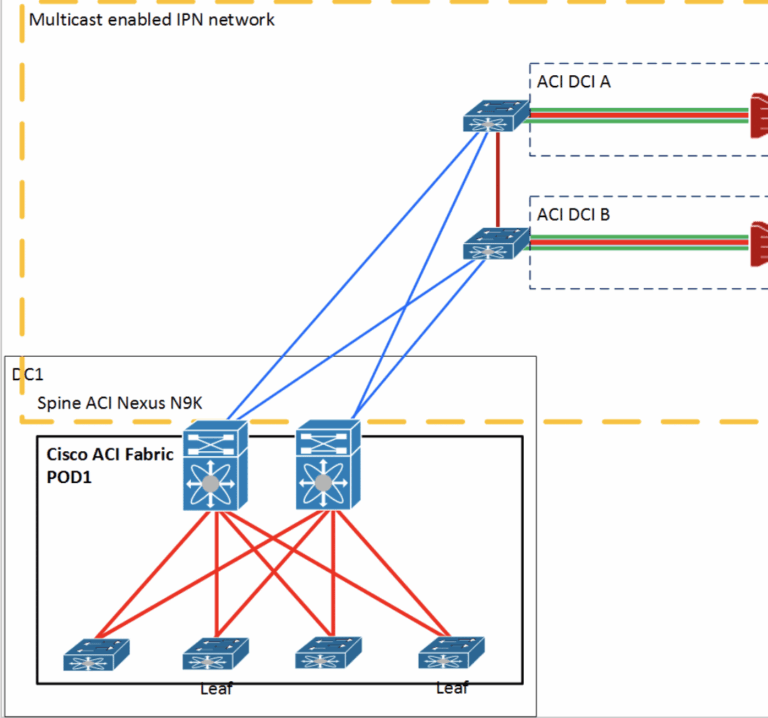
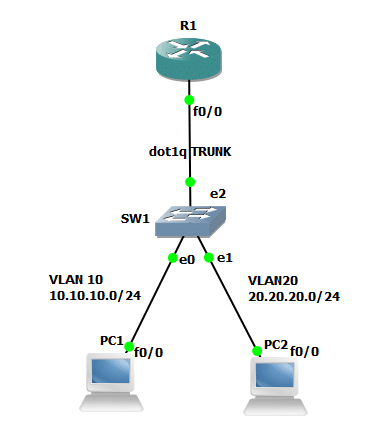
A guest network is the inner door. The router you already have broadcasts a second network with its own name and password, and the two are kept apart. Devices on the guest side get what they came for, a fast route to the internet, and nothing else. They cannot see your machines, your storage or your printer, and with isolation switched on they cannot even see each other.
It is the same thinking as a firewall, applied one layer further in. The firewall decides what gets through the front door; the guest network decides what a visitor can reach once they are inside. Neither replaces the other, and a sensible setup has both.
A houseful of strangers’ devices
The clearest illustration we have seen came from a client who hires out their home for filming through Locations Direct, a UK agency that matches properties with film and photography productions. On a shoot day, thirty-odd people arrive with phones, laptops, tablets and playback screens, and every one of them wants the Wi-Fi, not least because modern crews upload the day’s footage to the cloud before they leave. All of that had been landing on the family network, right next to the smart locks, the personal laptops and twenty years of photos. Setting up a guest network took an afternoon: the crews get the fast connection they need, the family’s devices are invisible, and nobody on set has ever noticed the difference. That last part is rather the point.
Why it matters for your business
Swap the film crew for customers, contractors and visiting reps and the logic is identical. A café’s card machine has no business sharing a network with its customers’ phones, and an office’s finance system should not sit one hop away from whatever a visitor plugs in during a meeting. Separating the two is one of the quiet basics of good practice, the sort of thing the NCSC’s small business guidance takes as read, and it costs nothing, because the capability is almost certainly sitting in your router already, switched off.
Switching it on
On most routers made in the last decade this is a ten-minute job in the admin pages: enable the guest network, give it a clear name, set a strong password that is different from your main one, and tick the isolation option if it is offered. Make sure it uses modern Wi-Fi encryption, WPA2 at minimum and WPA3 where available, and keep your own devices off it. If your router is too old to offer any of this, that is a strong hint it is too old full stop.
Then, like most things we recommend, it should disappear from view. Guests get a password you are happy to hand out, your own network stays yours, and the only sign anything changed is the small door that quietly closed behind everyone else.